A Google Authenticator alternative for your desktop
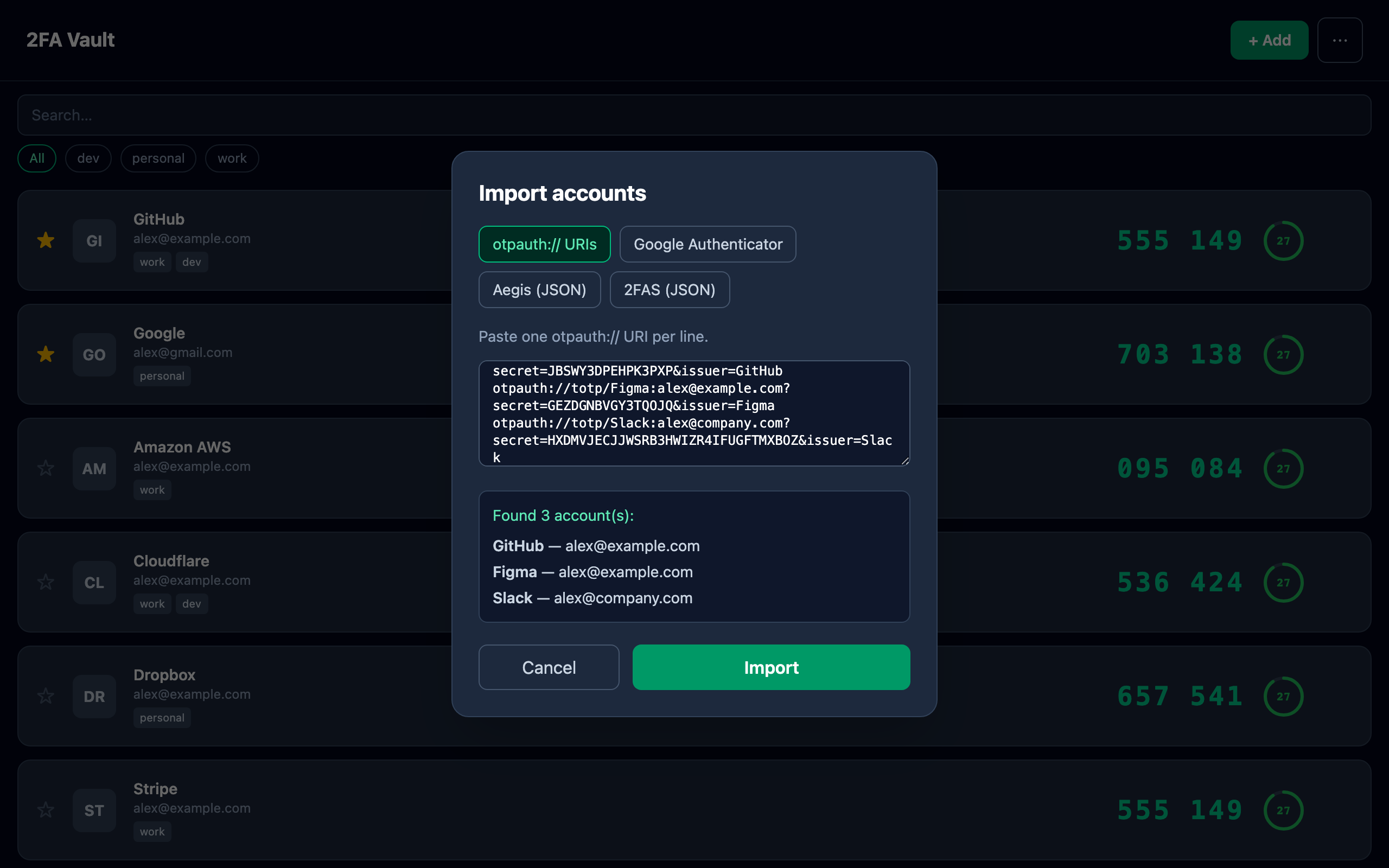
Google Authenticator only runs on your phone, and moving your accounts to a new device means juggling QR codes. 2FA Vault is a desktop alternative for Mac and Windows: import your Google Authenticator accounts with its export QR, then keep them in an encrypted local vault with one-click copy and your own encrypted backup.
Google Authenticator vs 2FA Vault
| Google Authenticator | 2FA Vault | |
|---|---|---|
| Platform | Phone only | Mac + Windows |
| Import existing accounts | Export QR only | Google Auth, Aegis, 2FAS, otpauth |
| Encrypted backup you control | No | Yes |
| Price | Free | Free |
Bring your accounts across in minutes
In Google Authenticator, choose Transfer accounts → Export to show a transfer QR code, then scan it with 2FA Vault straight off your screen. Your accounts land in an encrypted vault where you can tag them, pin favorites, and save a password-protected backup — none of which the phone app offers.
- Can I import my Google Authenticator accounts?
- Yes. Use the export feature in Google Authenticator to show its transfer QR code, then scan it with 2FA Vault from your screen or camera to bring your accounts across.
- Does it work on the desktop?
- Yes — 2FA Vault runs natively on Mac and Windows, so your codes are on your computer instead of only on your phone.
- Is it free like Google Authenticator?
- Yes. Every core feature is free; the optional one-time Pro upgrade adds Touch ID unlock on Mac.