An authenticator app for Mac
2FA Vault is a native Mac authenticator that keeps every two-factor code in an encrypted local vault on your Mac. Search as you type, click to copy with a live countdown ring, and unlock the vault with Touch ID. It's free, works offline, and never syncs your codes to anyone's cloud.
A native Mac authenticator, not a phone app on the side
| App | Mac app | Touch ID | Price |
|---|---|---|---|
| Google Authenticator | Phone only | — | Free |
| Authy | Discontinued on desktop | — | — |
| Step Two | Mac + iOS | — | Free / paid |
| 2FA Vault | Native Mac | Yes (Pro) | Free |
Fast to find, safe to show
Filter your accounts as you type, group them with tags, and pin the ones you use most to the top. Values stay masked until you copy, and the countdown ring means you never paste an expired token. Import from Google Authenticator, Aegis, 2FAS, or otpauth:// links to move in without retyping.
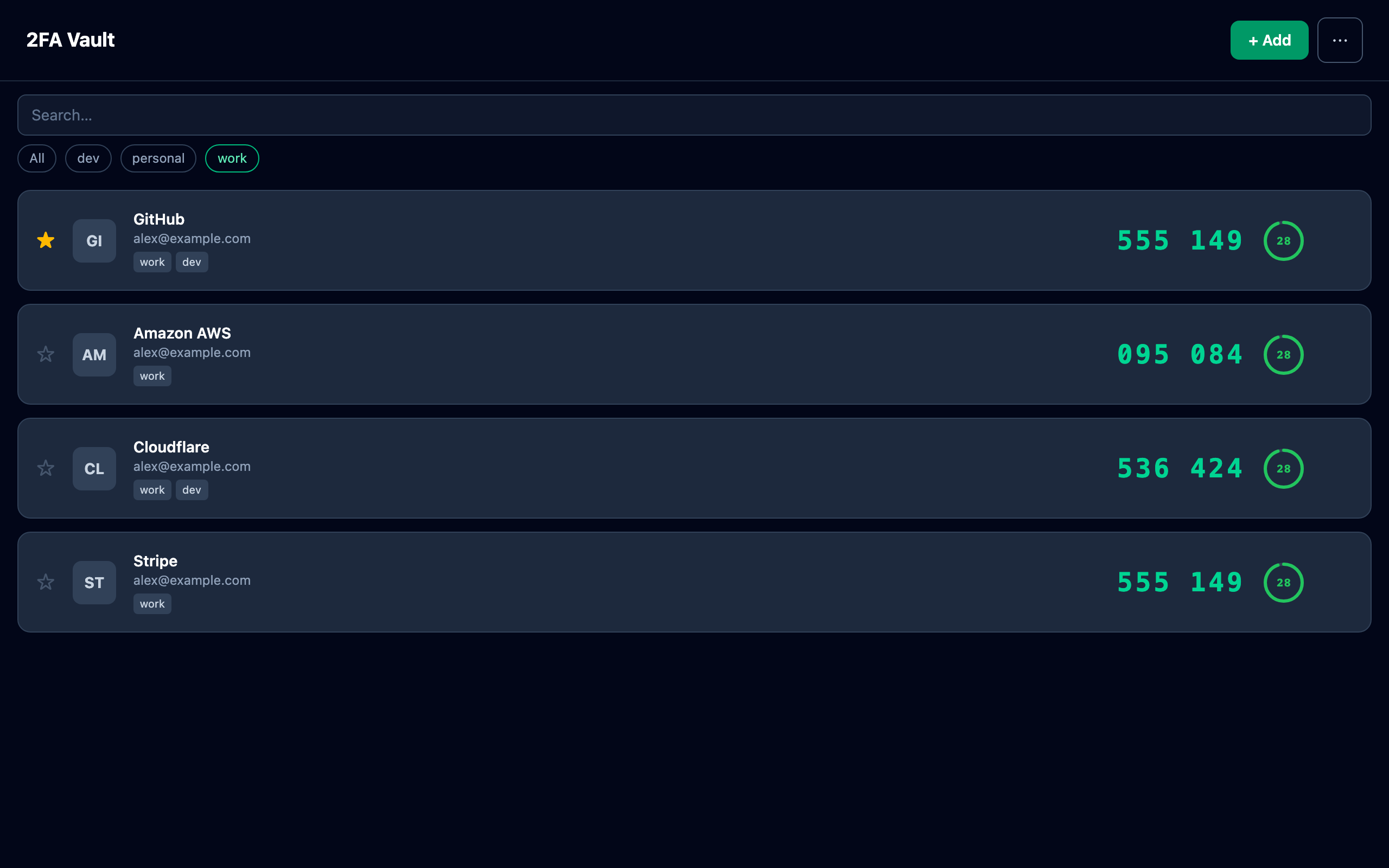
- Does 2FA Vault run natively on macOS?
- Yes — it's a native Mac app for macOS 12 and later on Apple Silicon, with an Intel build also available.
- Can I unlock it with Touch ID?
- Yes. Touch ID unlock is included with the optional one-time Pro upgrade, so you can open your vault without typing your master password each time.
- Are my codes stored in iCloud?
- No. Your accounts are stored in an encrypted local vault on your Mac — no iCloud or other cloud sync — and you can make your own encrypted backup.