A dedicated desktop authenticator app for your 2FA codes
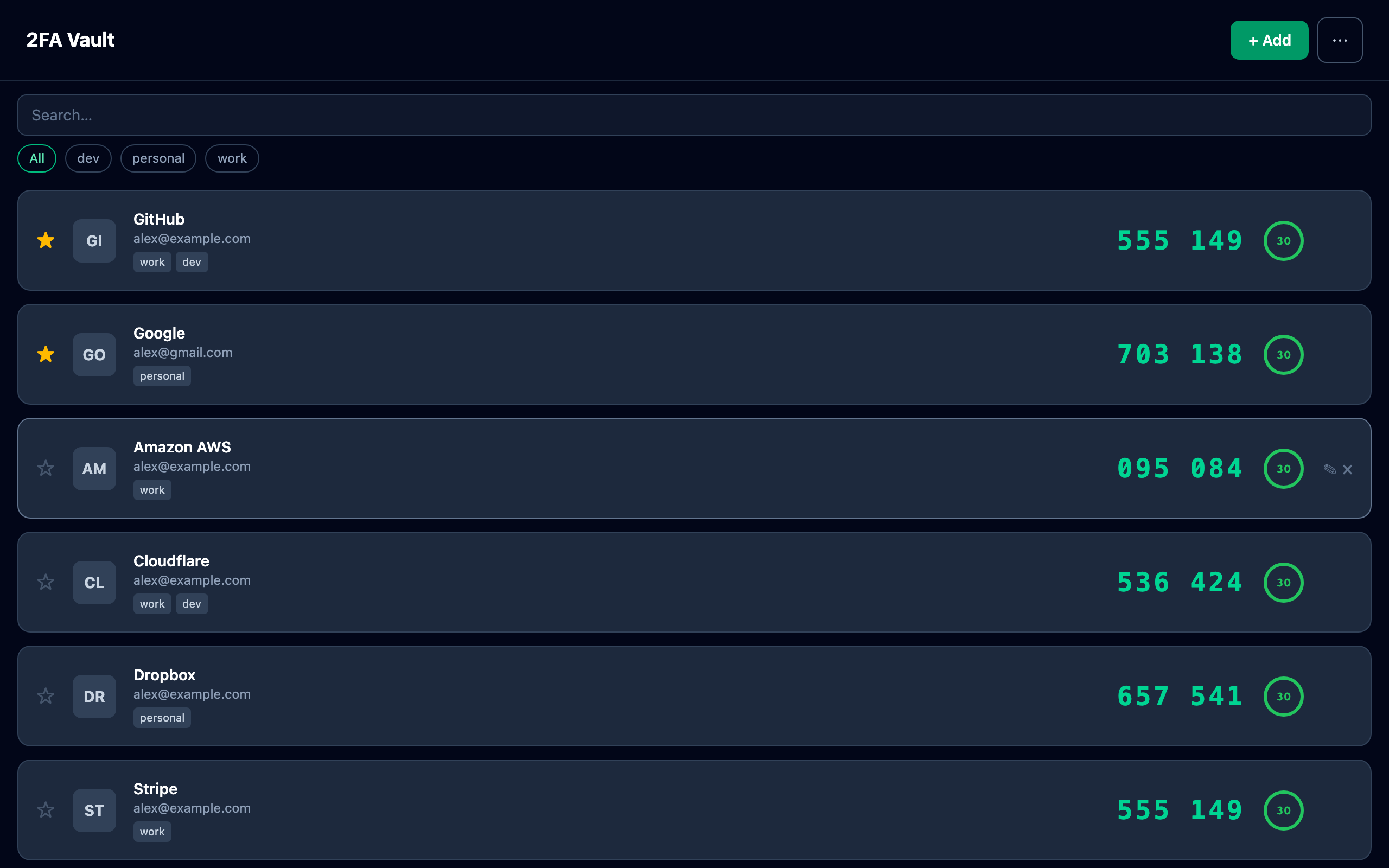
Nearly every authenticator app is built for your phone. 2FA Vault is a desktop authenticator for Mac and Windows — your two-factor codes sit one click away in the app you're already working in, protected by an encrypted local vault. No phone to grab, no cloud account, no subscription.
Most authenticators live on your phone
| Authenticator | Runs on desktop | Storage |
|---|---|---|
| Google Authenticator | Phone only | On device |
| Microsoft Authenticator | Phone only | Cloud backup |
| Authy | Discontinued on desktop | Cloud |
| 2FA Vault | Mac + Windows | Encrypted local vault |
Why a desktop authenticator
When you sign in on your computer, reaching for your phone every time is friction. 2FA Vault puts your codes on the same screen — search as you type, click to copy, and a live countdown ring shows exactly how long each code is valid so you never paste an expired token.
- Is there an authenticator that runs on my computer?
- Yes — 2FA Vault is a native desktop authenticator for Mac and Windows, so your two-factor codes are one click away in the app you're already working in.
- Do I still need my phone?
- No. 2FA Vault is standalone: add accounts by scanning a QR code from your screen or camera, or by importing from Google Authenticator, Aegis, and 2FAS.
- Are my codes synced to the cloud?
- No. Everything is stored in an encrypted local vault on your device, with no cloud account — and you can make your own encrypted backup to move between computers.