Never get surprised by a renewal again
Lycense reminds you before a subscription renews, keeps every license key encrypted on your own computer, and shows what your software really costs per month. All on your Mac or PC.
Free download for macOS 12+ (Apple Silicon). Intel Mac? · Available on the Microsoft Store.
Built by a solo developer. Signed and notarized for macOS and Windows. Nothing phones home.
Every license key is encrypted at rest in a local database on your device. Your keys are protected without living in a plaintext notes file or spreadsheet.
Search filters instantly as you type. One click copies the key to your clipboard — and Pro's Quick Copy shortcut surfaces any key system-wide, without opening the app.
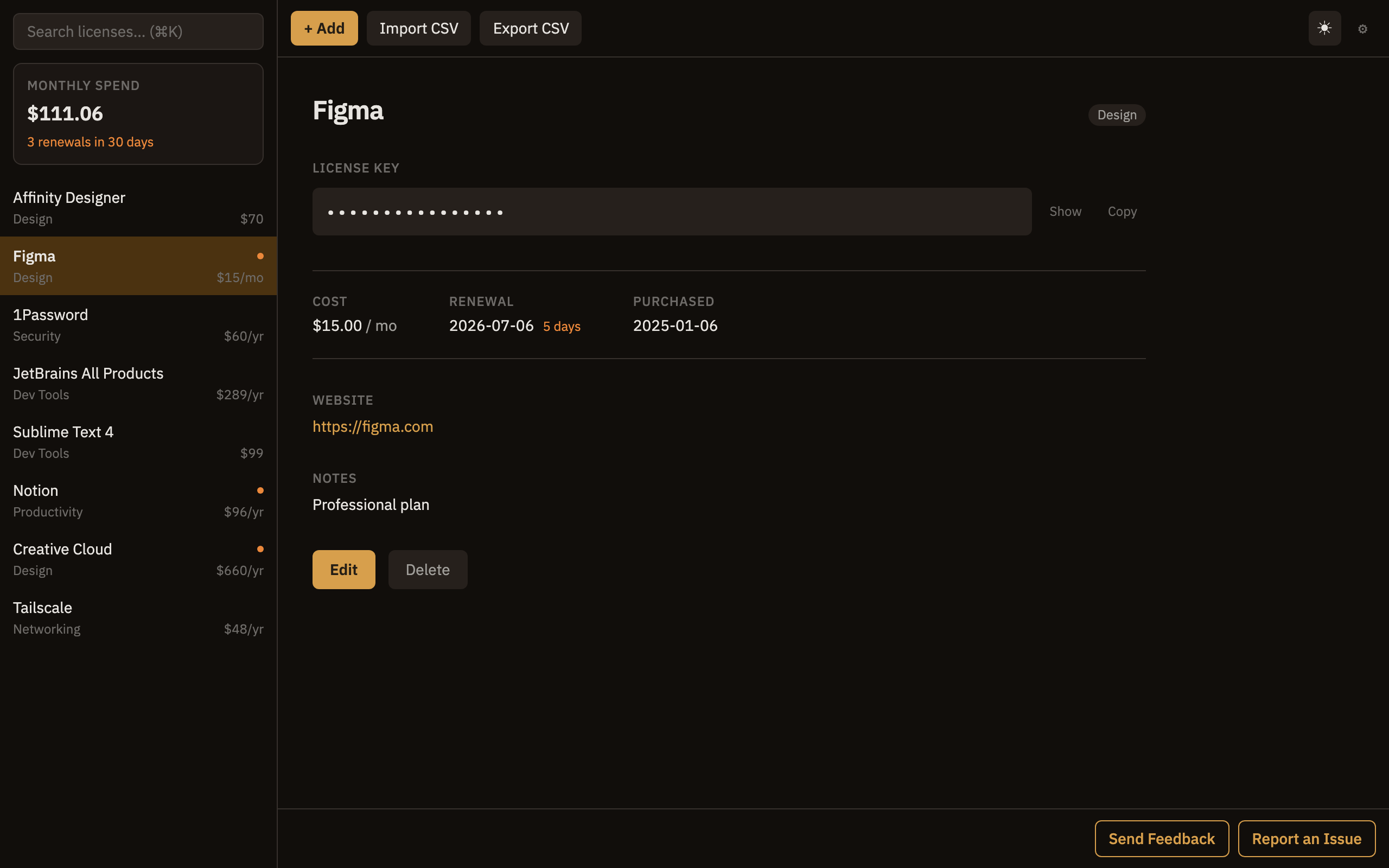
See upcoming renewals in the sidebar and get native desktop notifications up to 7 days ahead. No more surprise charges for tools you meant to cancel.
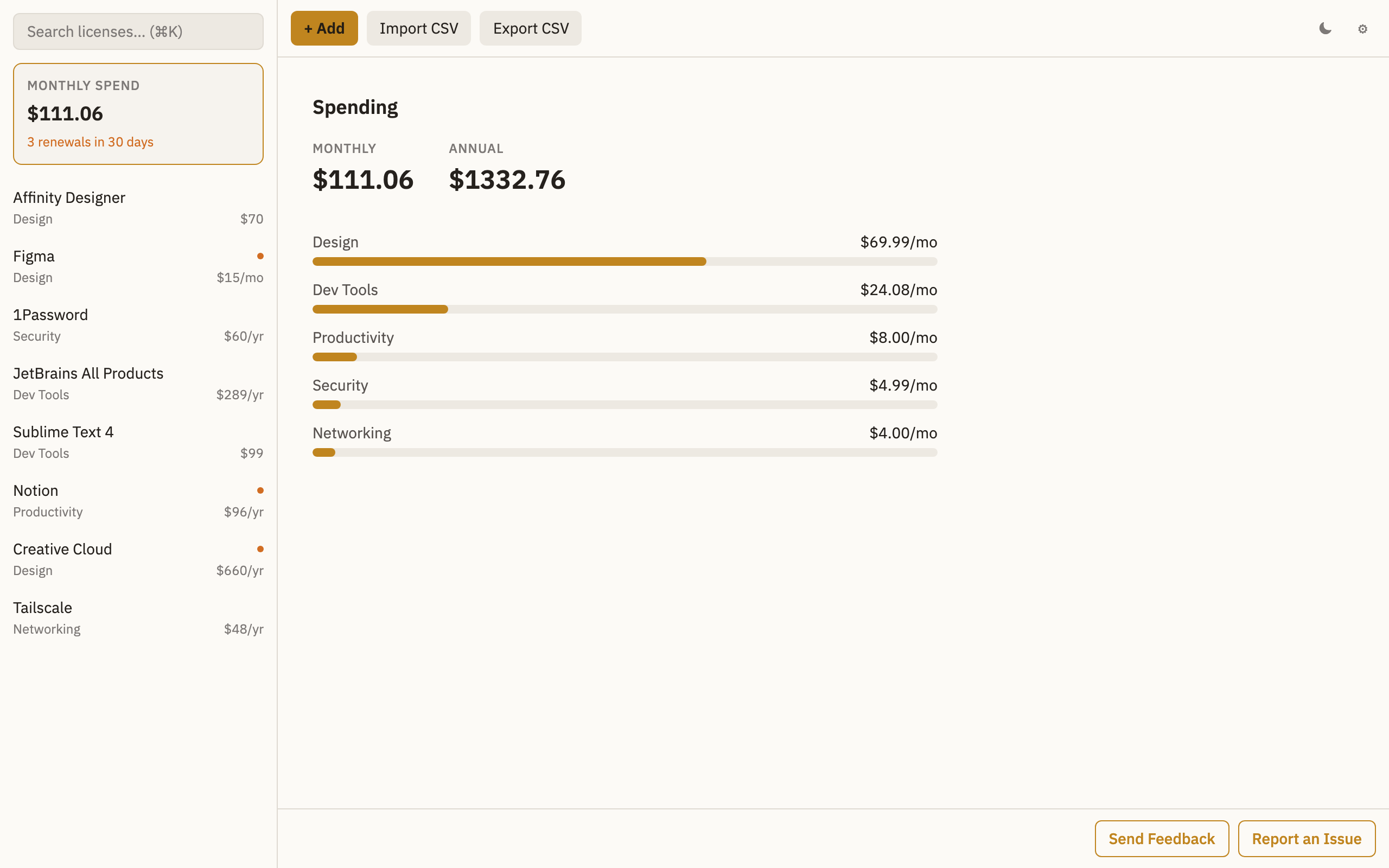
Track what you actually pay across all your software. Lycense totals your monthly and yearly spend so nothing hides in the noise.
Bring in your existing licenses from a CSV file, and export a backup of your whole vault whenever you want. Your data stays yours.
Tag every license with a category, add private notes and website links, and attach your own custom fields, receipts, and files (Pro). Everything is searchable from the sidebar.
See every renewal laid out on a monthly calendar, next to your spend totals. Export the whole schedule to an .ics file with Pro and it lands in any calendar app.
A built-in audit flags duplicate keys, expired licenses, and risky vault settings before they bite. Free shows the top finding; Pro unlocks the full report.
Lycense totals your monthly and yearly spend and breaks it down by category, so subscription creep never sneaks up on you again.
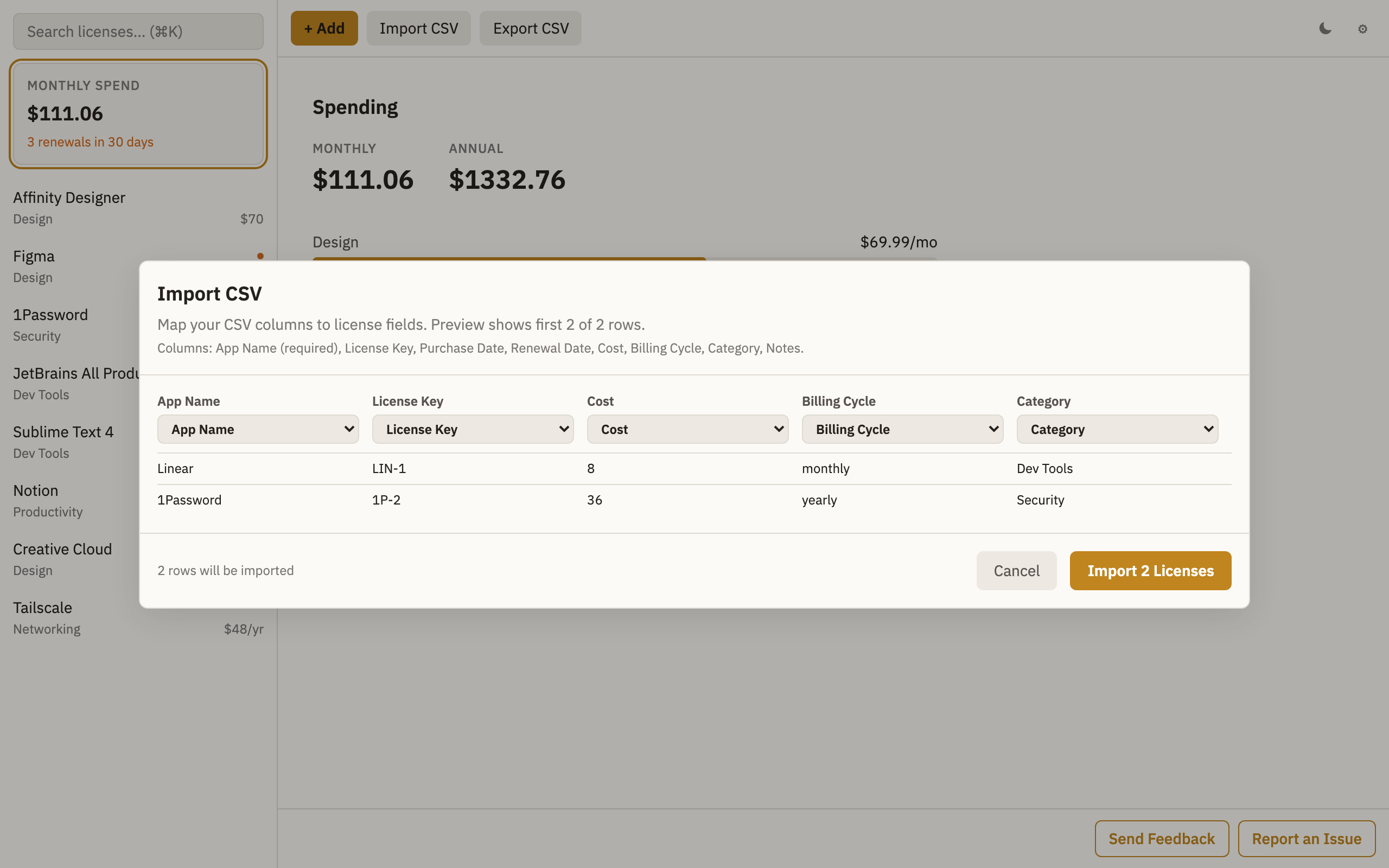
Already tracking licenses in a CSV? Import it in seconds — map your columns, preview the rows, and your whole vault is populated at once.
Every subscription shows a countdown to its next renewal, and a full dark mode keeps the whole vault easy on the eyes.
Every feature, up to 5 licenses.
Remove the 10-license cap and keep every key, file, and receipt in one place.
Purchase Pro anytime from inside the app.
Want all three? The VaultApps Bundle unlocks Pro in Lycense, 2FA Vault, and Envie with a single $9.99 purchase (less than $4 per app). Buy it from inside any VaultApps app, then restore the emailed key in the other two.
The established license managers mostly stop at Apple devices, and the one that doesn't treats a license like a static note. Lycense is built for this one job on both platforms.
| App | Platforms | Renewal reminders | Spend view | Price |
|---|---|---|---|---|
| LicenseManagerPro | Mac / iPad only | Limited | Yes | Paid |
| Acana | Mac only | No | Charts | Paid |
| LicenseKeeper | Mac only (discontinued) | Limited | — | — |
| 1Password | Windows + Mac | No | No | $36/yr |
| Lycense | Windows + Mac | Yes | Yes | Free |
Switching from 1Password. 1Password stores license keys, but with no reminder before a subscription renews and no view of what you spend. Moving over is quick: export your entries to CSV from 1Password and import them into Lycense in a few clicks.
Migrating from LicenseKeeper. LicenseKeeper served Mac users well for years but is no longer actively developed. Export your LicenseKeeper library to CSV and import it into Lycense: your keys, product names, and notes come across in a few clicks, and you gain a maintained replacement that also runs on Windows.
Polished subscription trackers like Bobby never shipped a Windows app (they're iOS-only), so there's no obvious place for Windows users to keep renewal dates and costs, and a spreadsheet becomes the default. Lycense fills that gap natively on Windows and Mac:
| Spreadsheet | Bobby | Lycense | |
|---|---|---|---|
| Windows | Yes | No (iOS only) | Yes |
| Renewal reminders | Manual | Yes | Yes |
| Spend total | Manual | Yes | Yes |
| Encrypted vault | No | — | Yes |