Store and encrypt your .env files locally
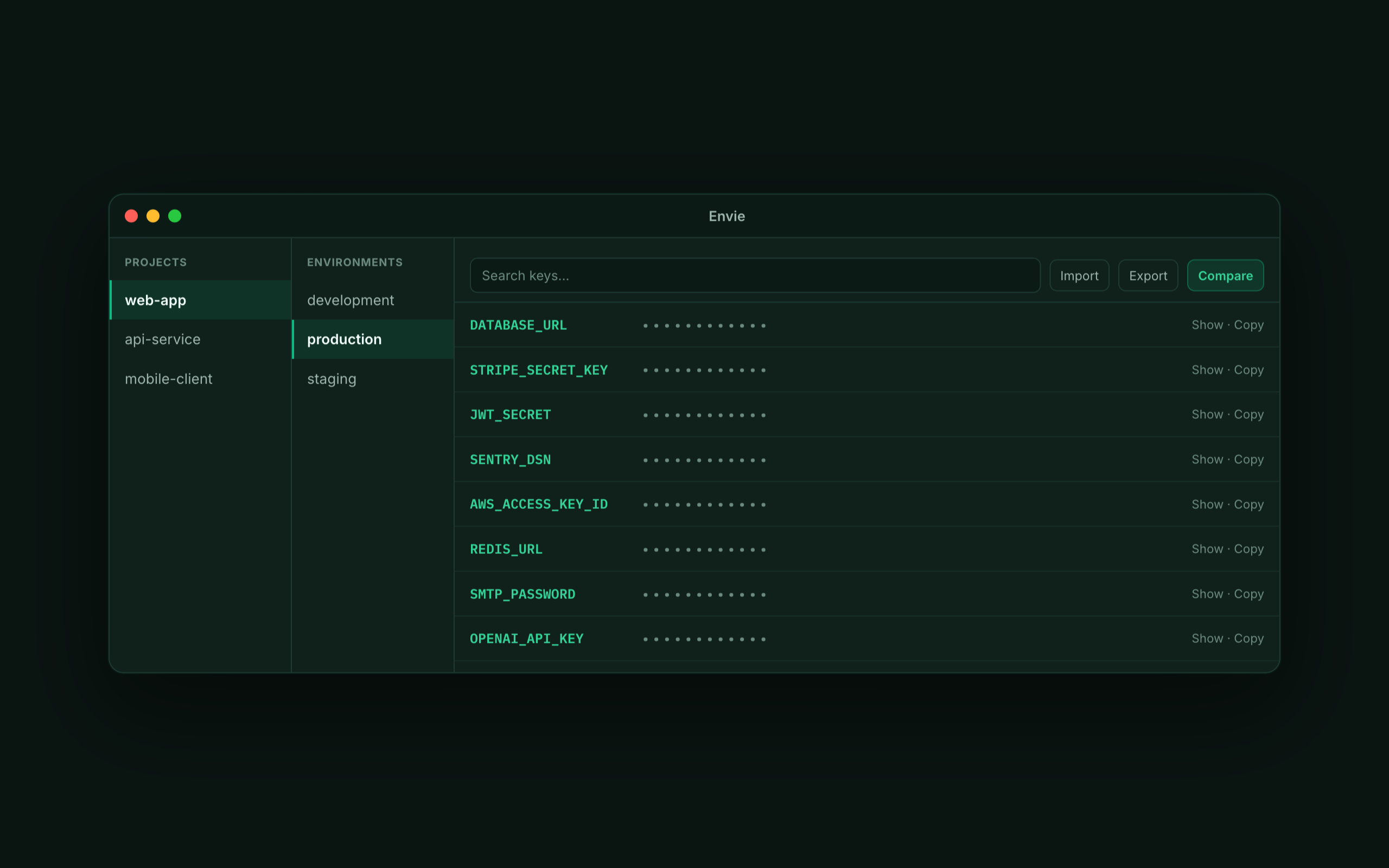
A .env file is plain text by default — one accidental commit or shared folder and your database URL and API keys are exposed. Envie fixes that at the source: it stores every .env in one encrypted local vault on your Mac or PC, protected by your master password with AES-256-GCM. Values are masked until you reveal them, so nothing sits in plain text and nothing leaves your device.
Plain .env files vs an encrypted vault
| Plain .env files | Envie | |
|---|---|---|
| At rest | Plain text | AES-256-GCM encrypted |
| Exposure risk | Committed to git, shared folders | Sealed in a local vault |
| Visibility | Readable by anything | Masked until revealed |
| Cost | — | Free |
Encrypted, but still convenient
Encryption shouldn't slow you down. Import your existing .env files into the vault, find any key by searching as you type, and copy a value in one click without ever putting it on screen. When your tooling needs a real file, export a clean .env on demand — the encrypted vault stays the source of truth.
- How does Envie encrypt my .env files?
- Every value is encrypted with AES-256-GCM under your master password. Nothing is stored in plain text, and the vault stays on your device.
- Can I still get a plain .env when I need one?
- Yes — export any environment to a clean
.envfile on demand, use it, and your encrypted vault stays the source of truth. - Are my secrets uploaded anywhere?
- No. Envie is local-only: no account, no cloud sync, and no analytics.